Install and set up in 5 minutes
Follow these steps once. After that, just open the app and schedule your lives.
Download and install
Go to the Download page and sign in with your Google account.
Click Download for Windows. Open the downloaded file, double-click 3rdi-Channel-Pilot-Setup and click Next. It takes 3–5 minutes and adds a 3rd-i Channel Pilot icon to your Desktop.
If Windows asks, click Run. If it says “Windows protected your PC”, click More info → Run anyway.
Click Download for Ubuntu, right-click the zip → Extract Here, open the folder, right-click START-UBUNTU.sh → Run as a Program.
It may ask your computer password once to install Python.
Windows without the installer: the zip version still has START-WINDOWS.bat — Extract All, then double-click it.
Open it
Windows: double-click the 3rd-i Channel Pilot icon on your Desktop. The app opens in your web browser. Keep the small black window open while you use the app — closing it stops the app.
Connect YouTube
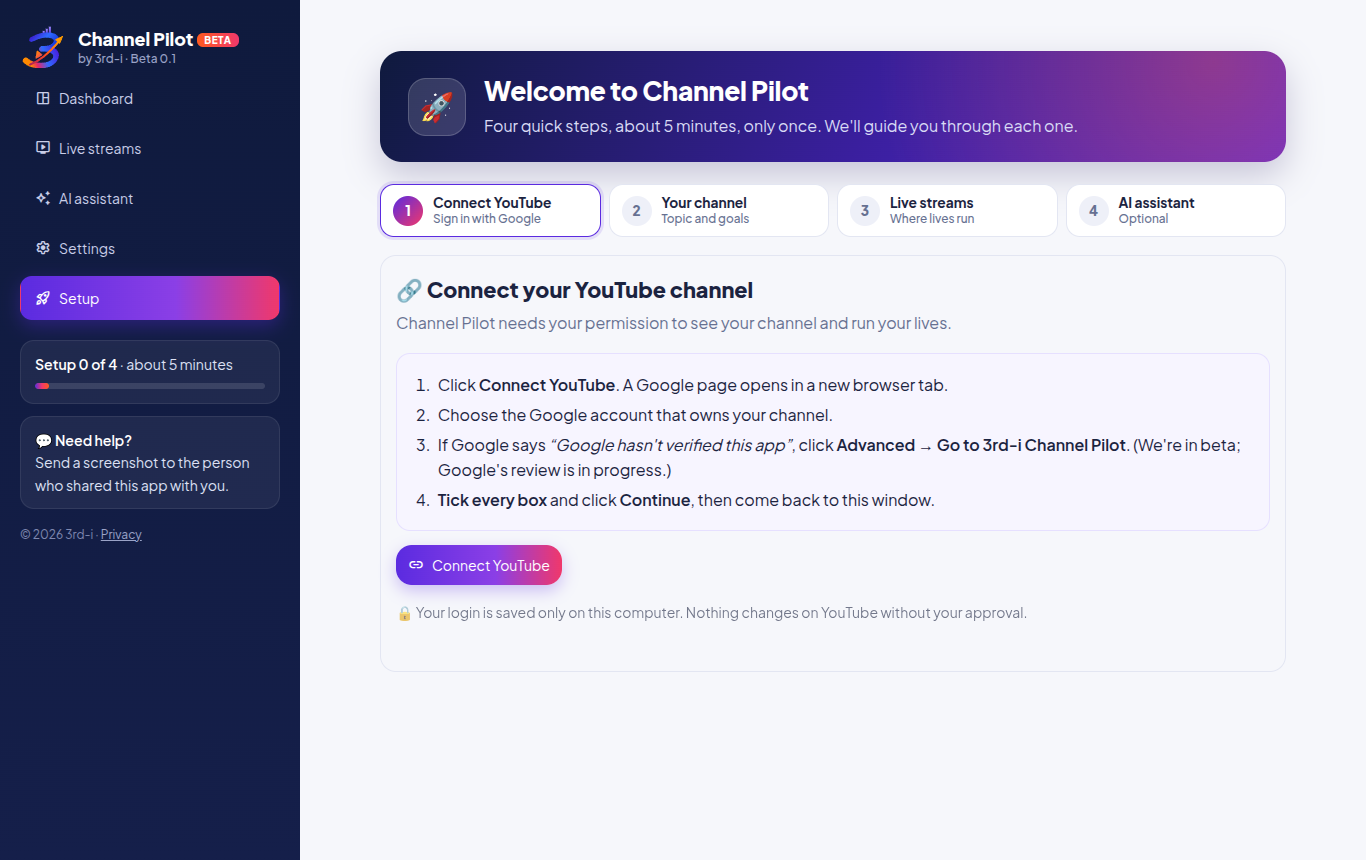
Click Connect YouTube and choose the Google account that owns your channel.
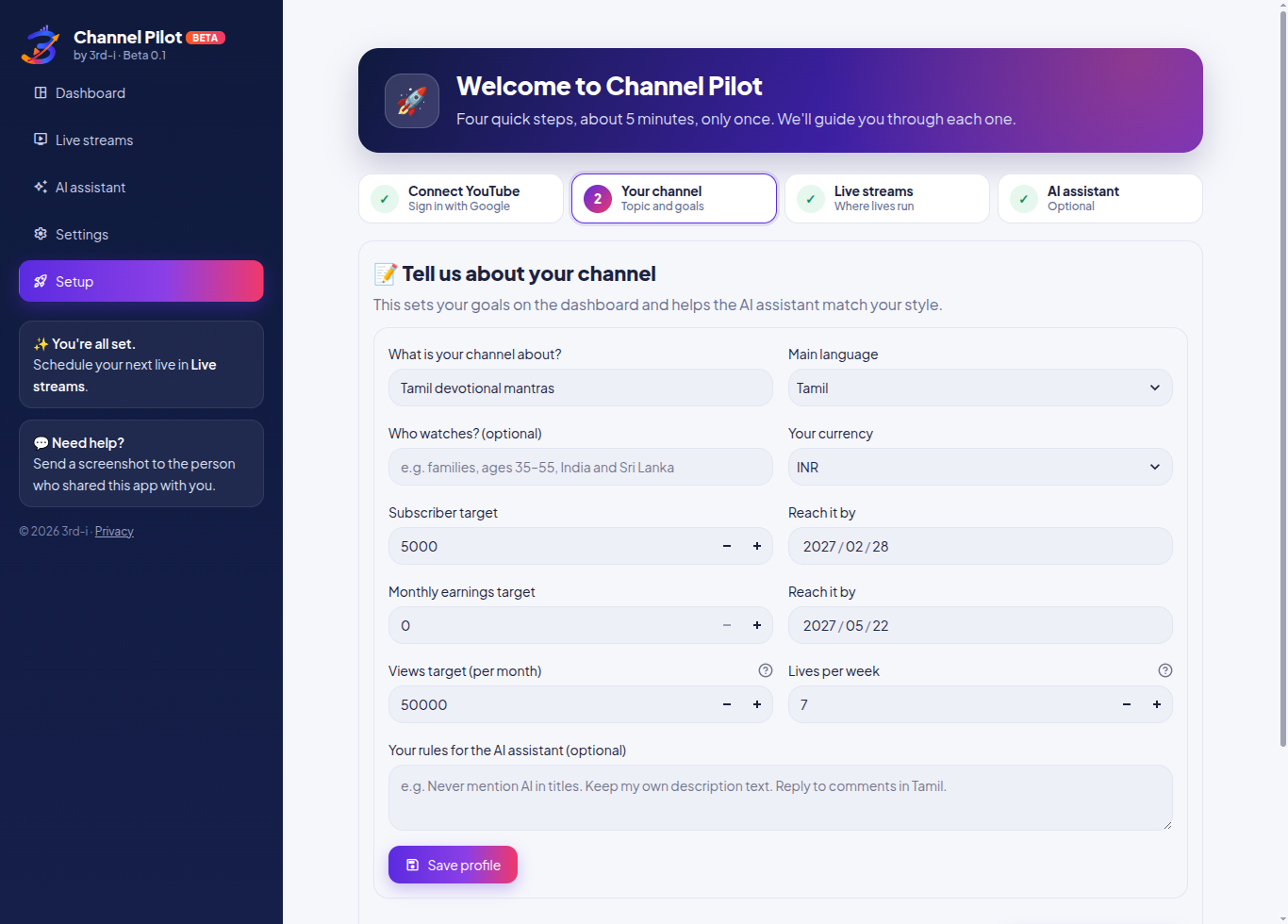
Tell us about your channel
Your topic, language and goals (subscribers, views, lives per week). These show on your dashboard.
Choose where lives run
💻 This computer is the simplest: keep the app open and the computer on during the live. ☁️ Oracle Cloud (free) lets lives run while your computer is off; the app shows every click.
AI assistant (optional)
Add a Claude key for help with titles, tags and replies, or click Skip for now. Everything else works without it.
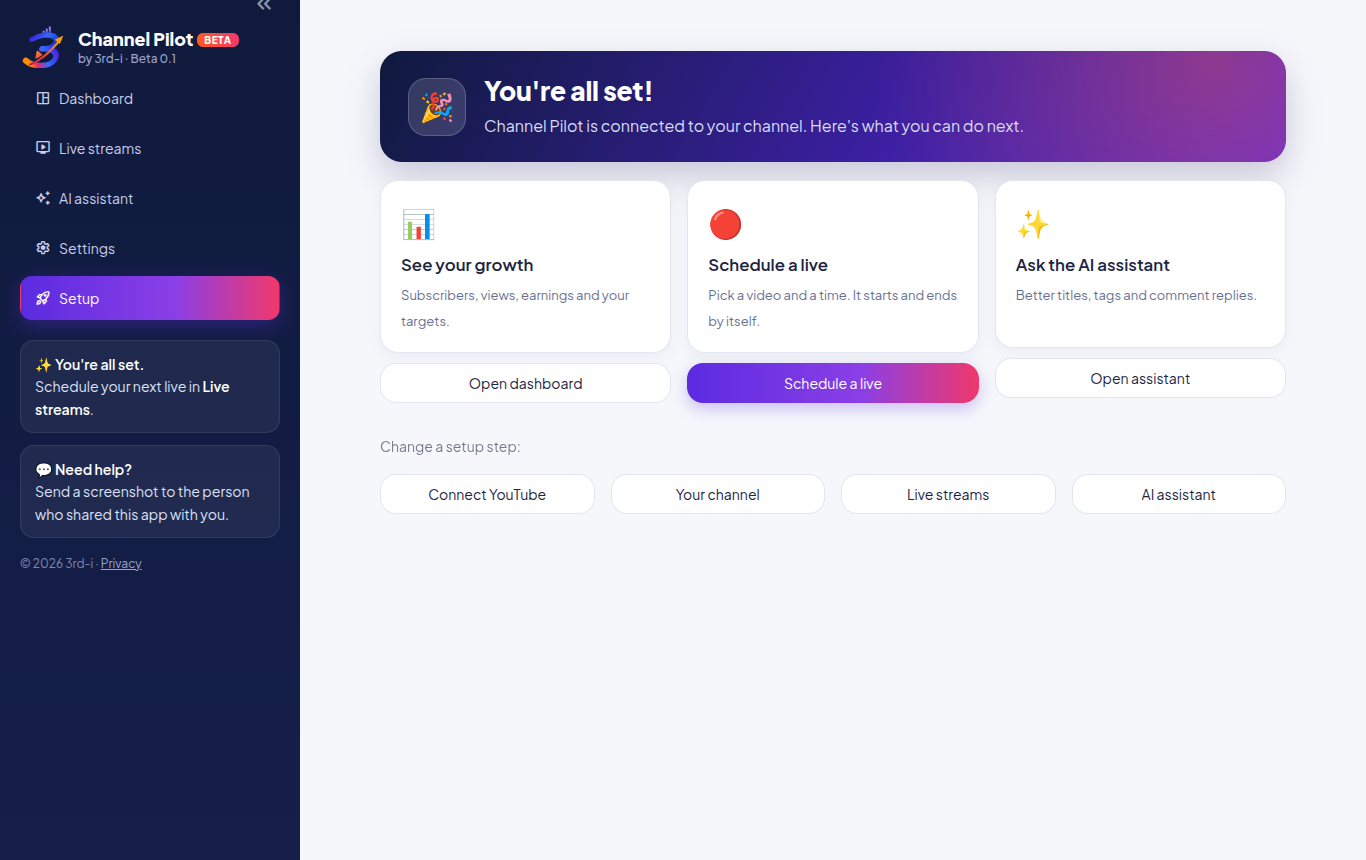
Schedule your first live
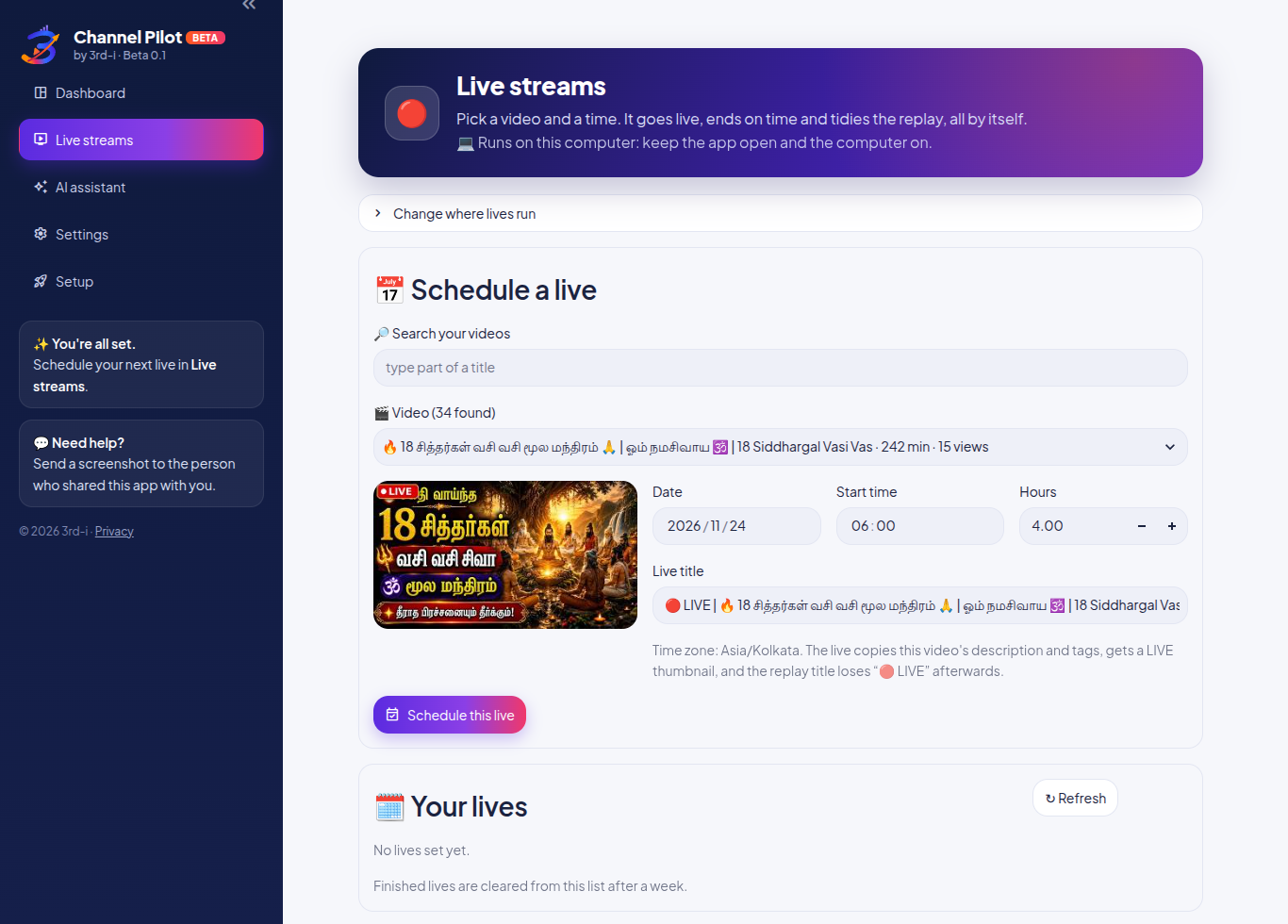
Open Live streams, pick a video, a date, a start time and how many hours, then click Schedule this live. That’s it.